Flint Capture Download

Select.
Mark up.
Ship it.

Screenshots, annotation and screen recording for macOS. Native, offline, and $19 once — no subscription, no account, nothing uploaded anywhere.

macOS 14 or later · Apple silicon · 14-day trial, no account · 1.8 MB

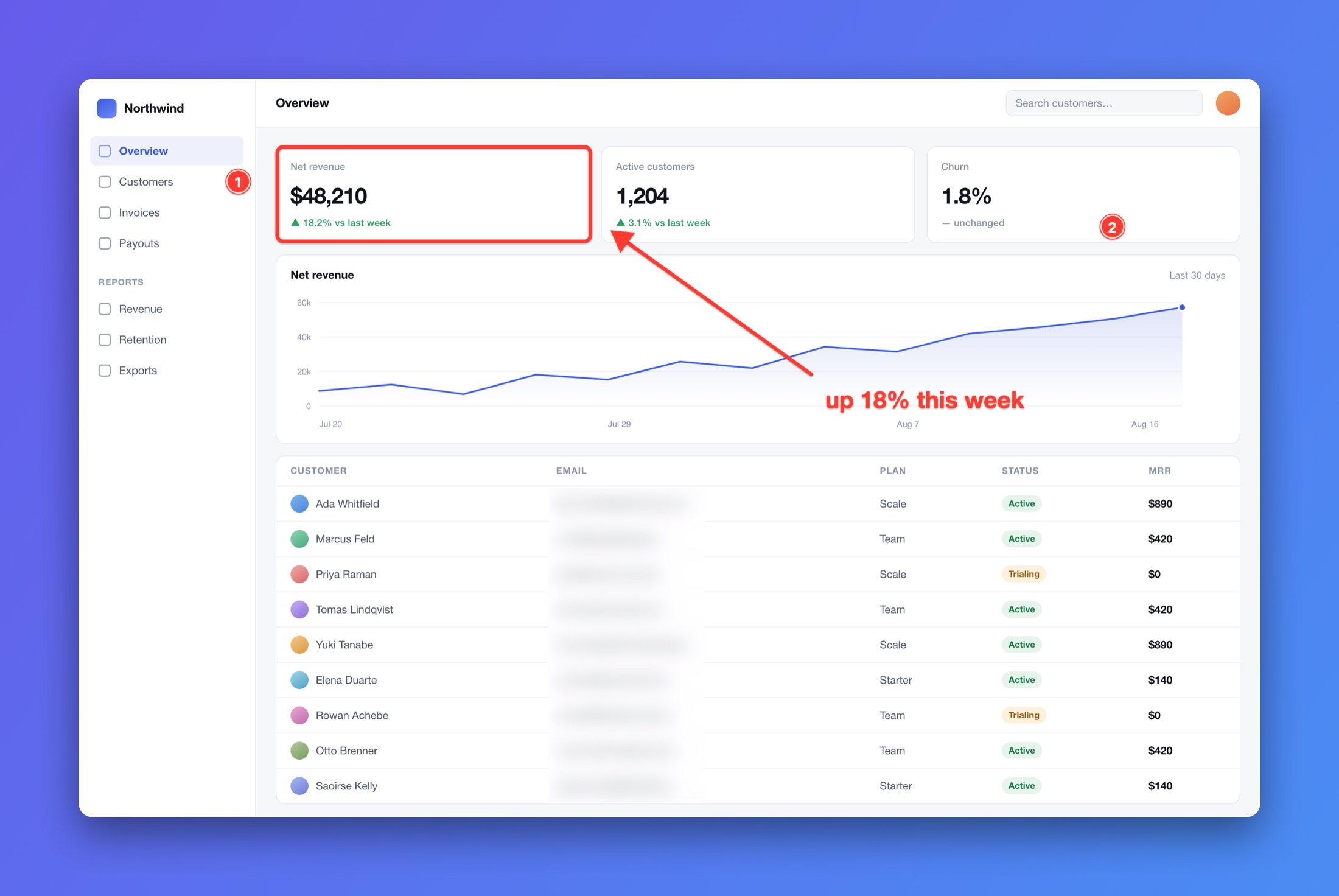
A dashboard screenshot marked up in Flint Capture: a red box around a revenue figure, an arrow labelled “up 18% this week”, two numbered step counters, and a column of customer email addresses blurred out. The image sits on a violet-to-blue gradient background with rounded corners and a drop shadow.
Straight out of Flint Capture — annotations, blur and the export canvas, no other tools.

7 All-In-One

One selection. Four different things.

Drag a region once, then decide what it becomes. The screen freezes while you choose, so nothing moves out from under you.

  • Screenshot

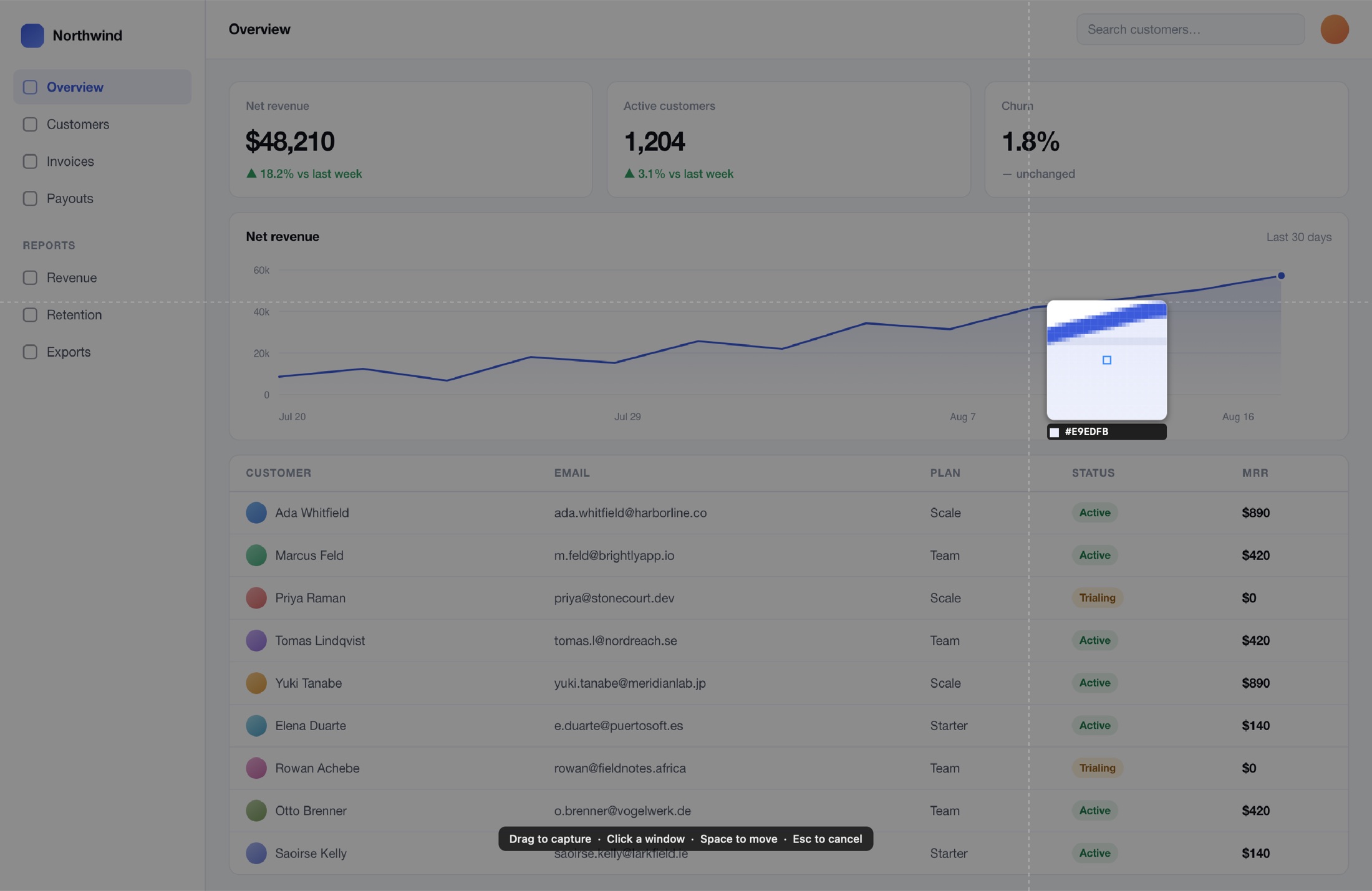
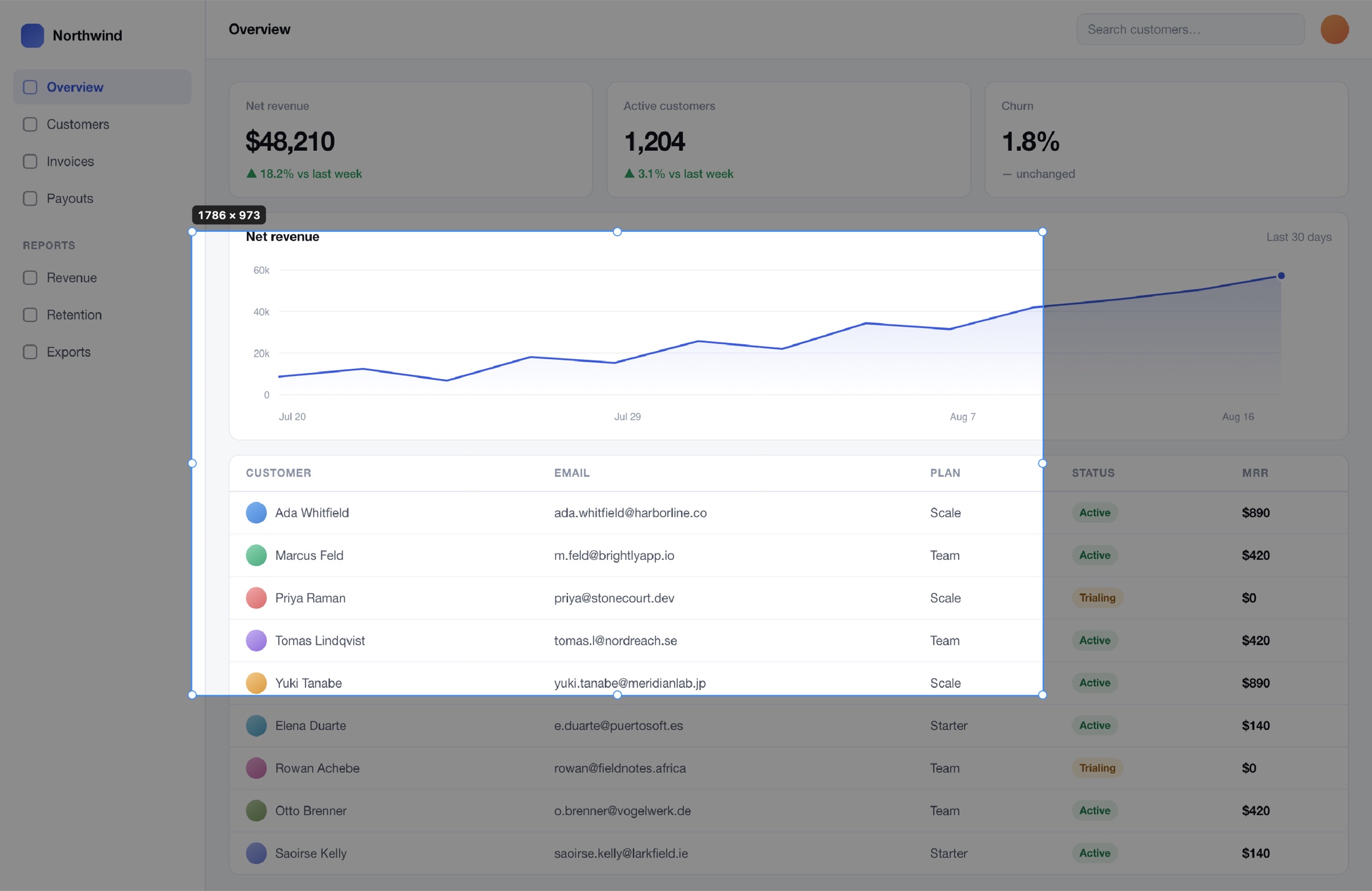
    Pixel magnifier with a live hex readout, dimensions as you drag, and eight resize handles before you commit.

  • Video

    H.264 or HEVC, system audio and microphone, click ripples and cursor highlighting. Trim it afterwards.

  • GIF

    The same recording, written as a GIF — or convert a finished video to one in the trim editor.

  • Scrolling capture

    Flint Capture scrolls the window for you and stitches the frames. It refuses rather than guess when content is too featureless to align.

Window capture

Hover to highlight, Tab to cycle. Transparency is preserved and the shadow is synthesised, not scraped off the desktop.

Every display

Including a selection that spans two screens, at each display's own scale factor.

Capture text

OCR any region straight to the clipboard. Useful on the screenshots people send you instead of text.

4 Editor

Twelve tools, one window.

The editor opens on the capture you just took. Arrow, line, pen, highlighter, rectangle, ellipse, text, step counters, spotlight, blur, pixelate, redact — all live, all undoable, all still editable later.

The Flint Capture editor window. A tool palette runs down the left edge, colour swatches and a line-width slider across the top, and export actions along the bottom. The canvas shows an annotated dashboard.

Nothing is baked in

Marks stay as objects. Move them, restyle them, reorder them, nudge with arrow keys, constrain with shift and option.

Export canvas

Padding, solid or gradient or wallpaper background, rounded corners, drop shadow. Save a preset and stop fiddling.

Pin to screen

Float a capture above everything, cycle its opacity, click straight through it, or drop it back to actual size.

One click

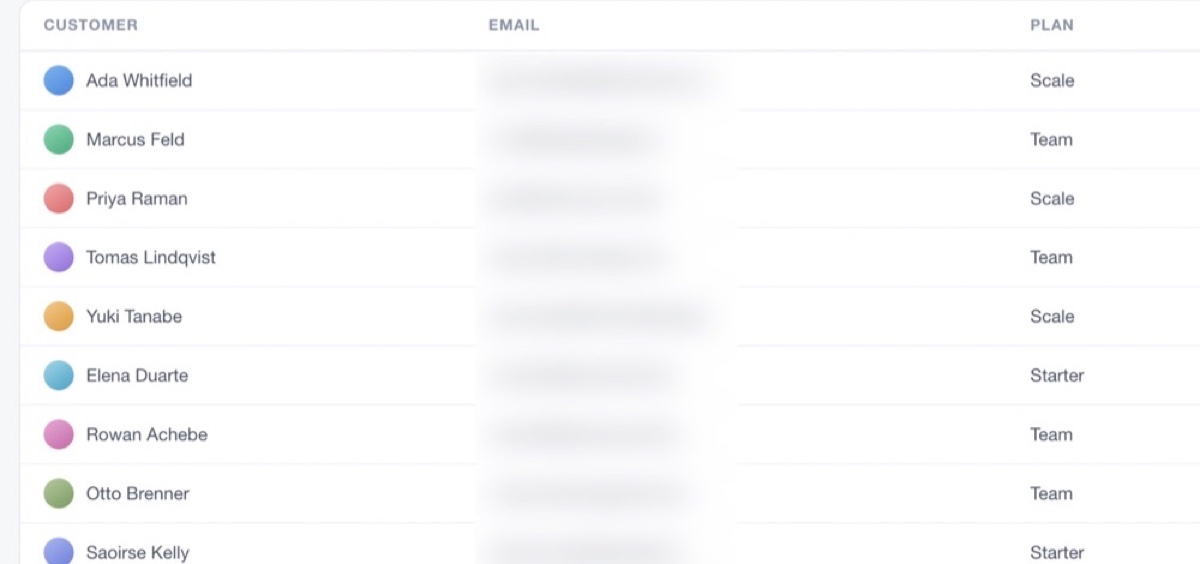
Blur every email in the shot.

Flint Capture finds the text regions itself and obscures all of them at once — blur, pixelate or a solid redaction bar. No dragging a rectangle over each row and hoping you got them all.

It runs on-device with Vision. Like everything else here, the image never leaves your Mac.

T Bind anything

Built for people who never touch the menu.

The Shortcuts pane of Flint Capture settings, listing capture, specialised, record and utility actions each with an editable key combination.

Every action gets a hotkey

Record one in place, and conflicts are surfaced rather than silently swallowed.

Every action gets a command

The binary doubles as a CLI. A second launch forwards its command to the running app and exits, so nothing steals focus — which makes it trivial to wire into Shortcuts, Raycast or Alfred.

flint capture-area
flint scrolling-capture
flint record-gif
flint capture-text          # OCR to clipboard
flint record-previous-area
flint --list                # every command

The honest bit

How it compares.

CleanShot X is a good app. This is what's different.

Flint Capture compared with CleanShot X
 Flint CaptureCleanShot X
Price$19 once$29 once
Subscription optionNone$8/mo with cloud
Account requiredNoFor cloud features
Licence checkOffline, signedOnline activation
Local capture featuresFull parityFull
Cloud upload & share linksNot yet — planned for 1.1Yes
Scriptable CLIYesYes
Download size1.8 MB~60 MB

If share links are the reason you'd buy a capture tool, buy CleanShot X today. Flint Capture is for everything that happens before the upload.

Pricing

One price. One time.

$19 once
  • Every feature on this page
  • Free updates through 1.x
  • Use it on every Mac you own
  • 14-day trial, no card, no account
  • Licence verifies offline — it keeps working if this site doesn't
Start the 14-day trial

Buy from inside the app when you're ready.

Questions

Before you download.

What does it run on?

macOS 14 (Sonoma) or later, on Apple silicon. There's no Intel build today.

What permissions does it need, and why?

Screen & System Audio Recording for anything at all. Accessibility only for scrolling capture, because the app scrolls the window for you. Microphone for voice-over, Camera for the webcam overlay — both optional and only asked for when you first use them.

Does anything leave my Mac?

No. There's no telemetry, no crash reporting and no cloud upload — the last one because it isn't built yet, not because it's hidden behind a tier. Your licence key is verified offline against a key baked into the app, so the app never phones home either.

What happens when the trial ends?

Capture stops until you enter a licence key. Nothing you already saved is touched.

Is it a real Mac app?

AppKit and ScreenCaptureKit, no Electron, and no third-party dependencies in the app itself. That's most of why the download is 1.8 MB.

Will 2.0 be a paid upgrade?

Possibly, and the licence format already carries the version it covers so that can happen without invalidating your key. Everything in 1.x is included.